No Bluetooth or Wi-Fi
Bluetooth's limited bitrate and Wi-Fi's range issues compromise data transmission in RF-congested environments such as film sets.
With your permission, Google Analytics helps us understand visits and improve this site. Essential preference cookies stay on. No advertising cookies.
Cookie details
All you need is less.
Clipped to your iPad over USB-C, or plugged into your console's network over Ethernet with PoE.
User manual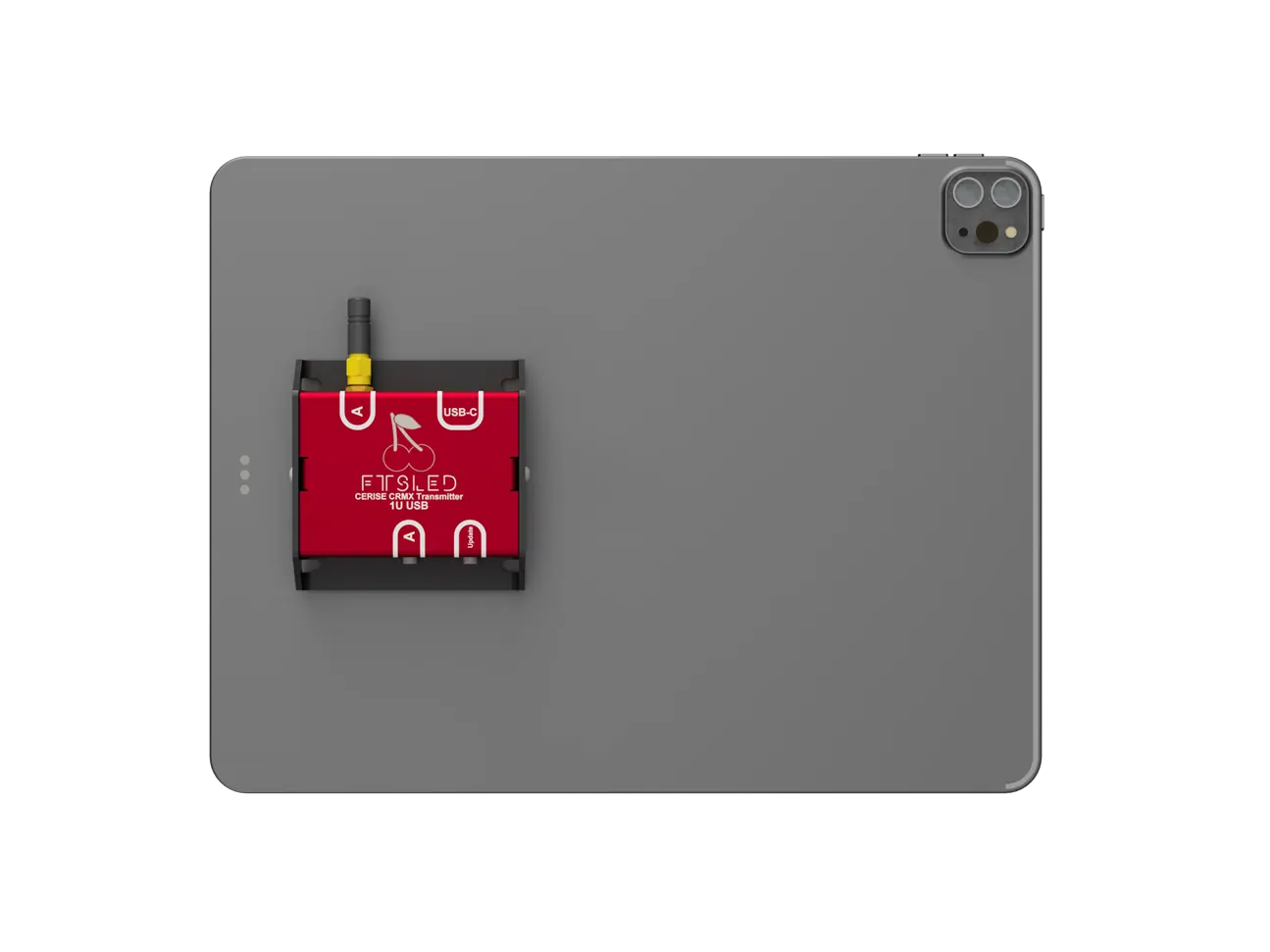
Cerise is the simplest way to output CRMX and wired DMX from iPad, Blackout, Luminair, Resolume, PC, Mac, MadMapper, iPhone, TouchDesigner
Clipped to your iPad over USB-C, or plugged into your console's network over Ethernet with PoE.
Explore modelsBluetooth's limited bitrate and Wi-Fi's range issues compromise data transmission in RF-congested environments such as film sets.

No more discharged transmitters overnight because you forgot to turn them off

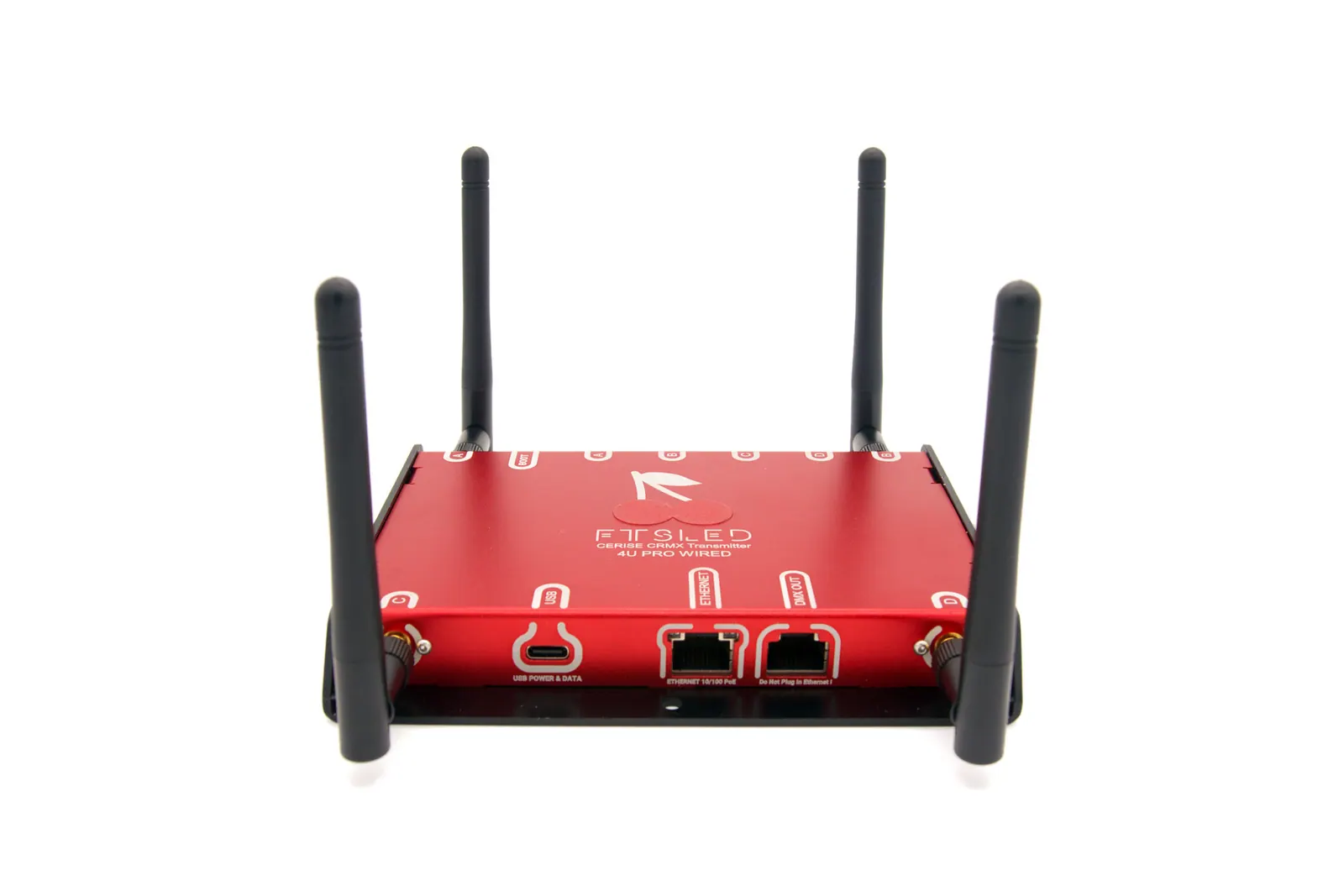
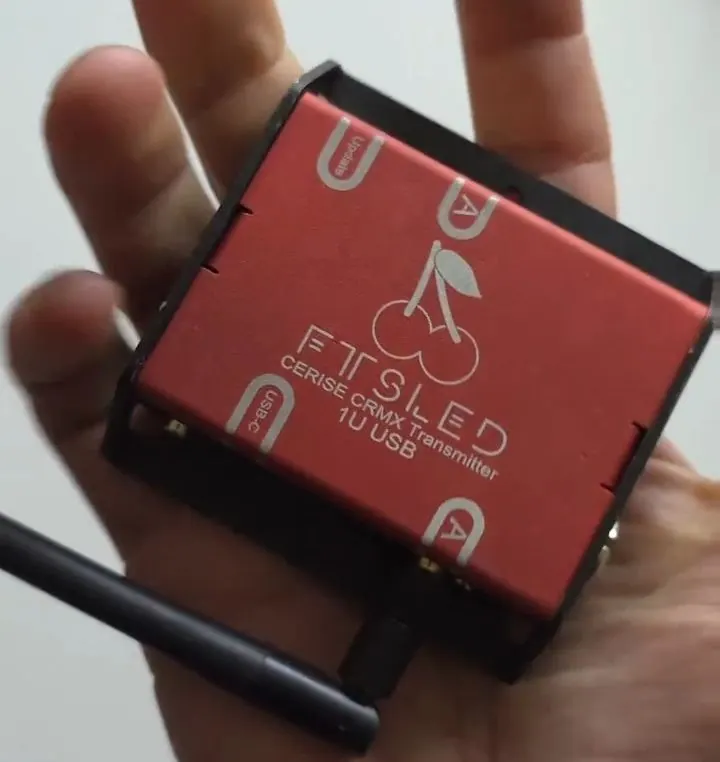
Cerise can be connected directly to an iPad or computer with its versatile USB-C interface, or to a full-size lighting console over PoE Ethernet.

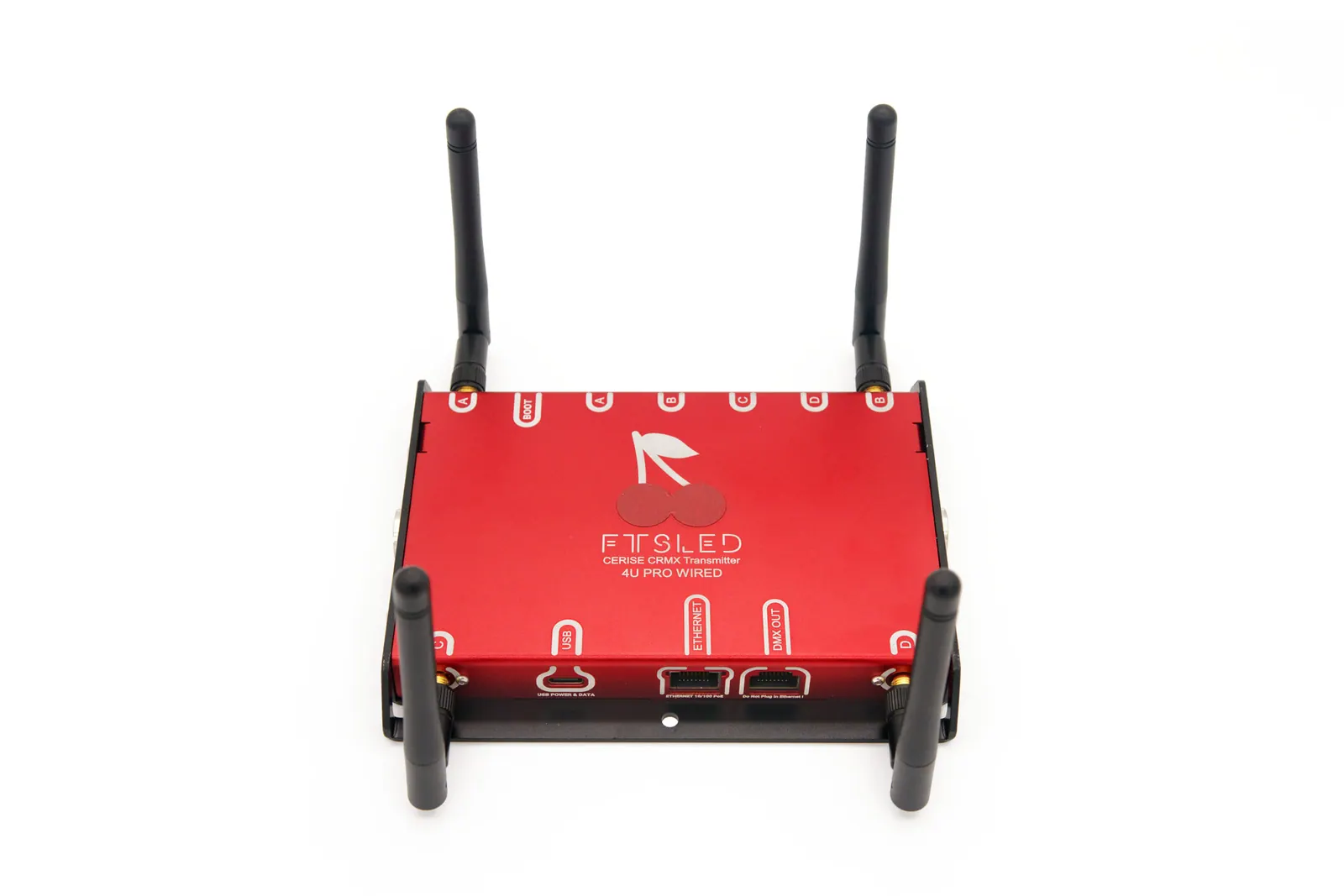
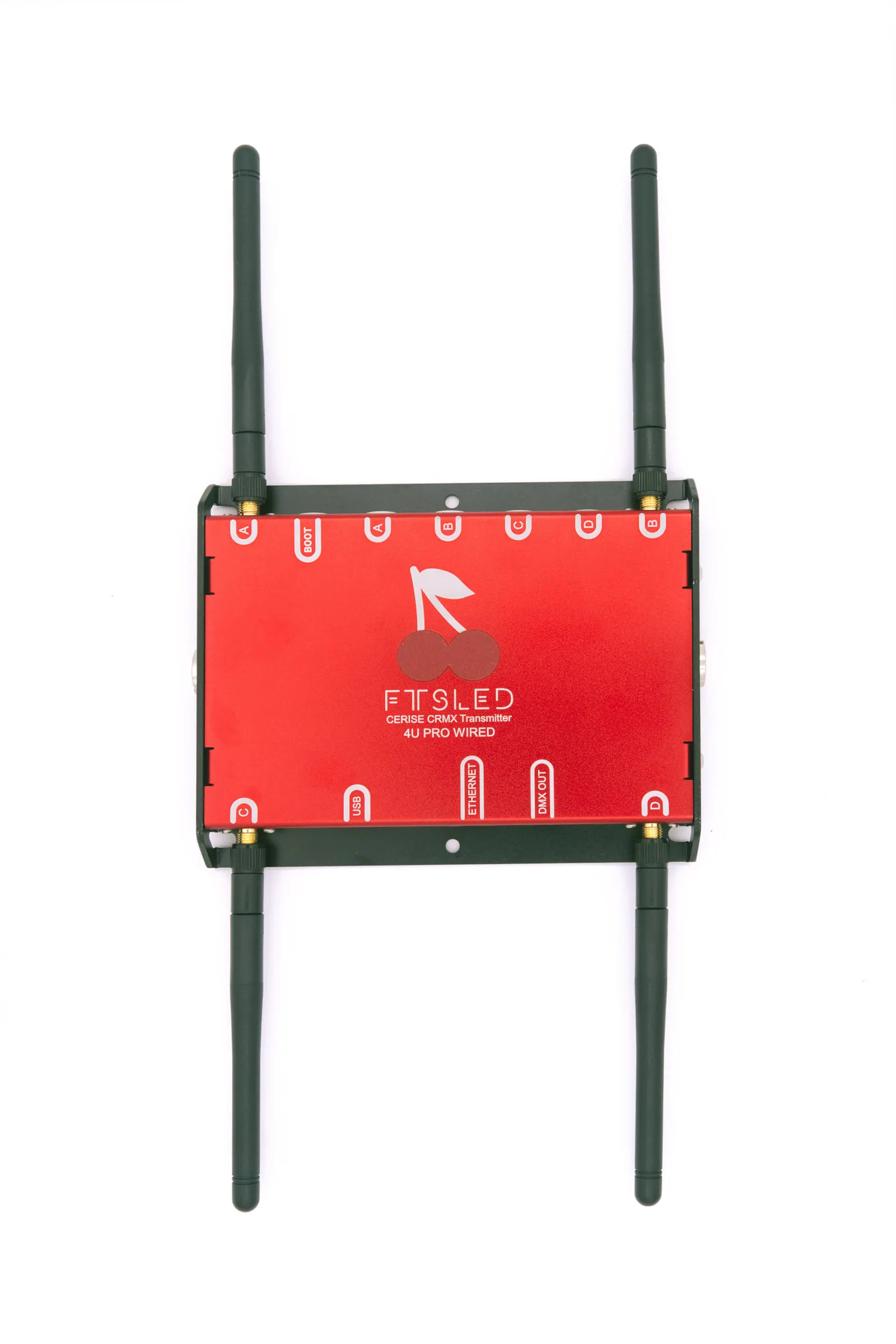
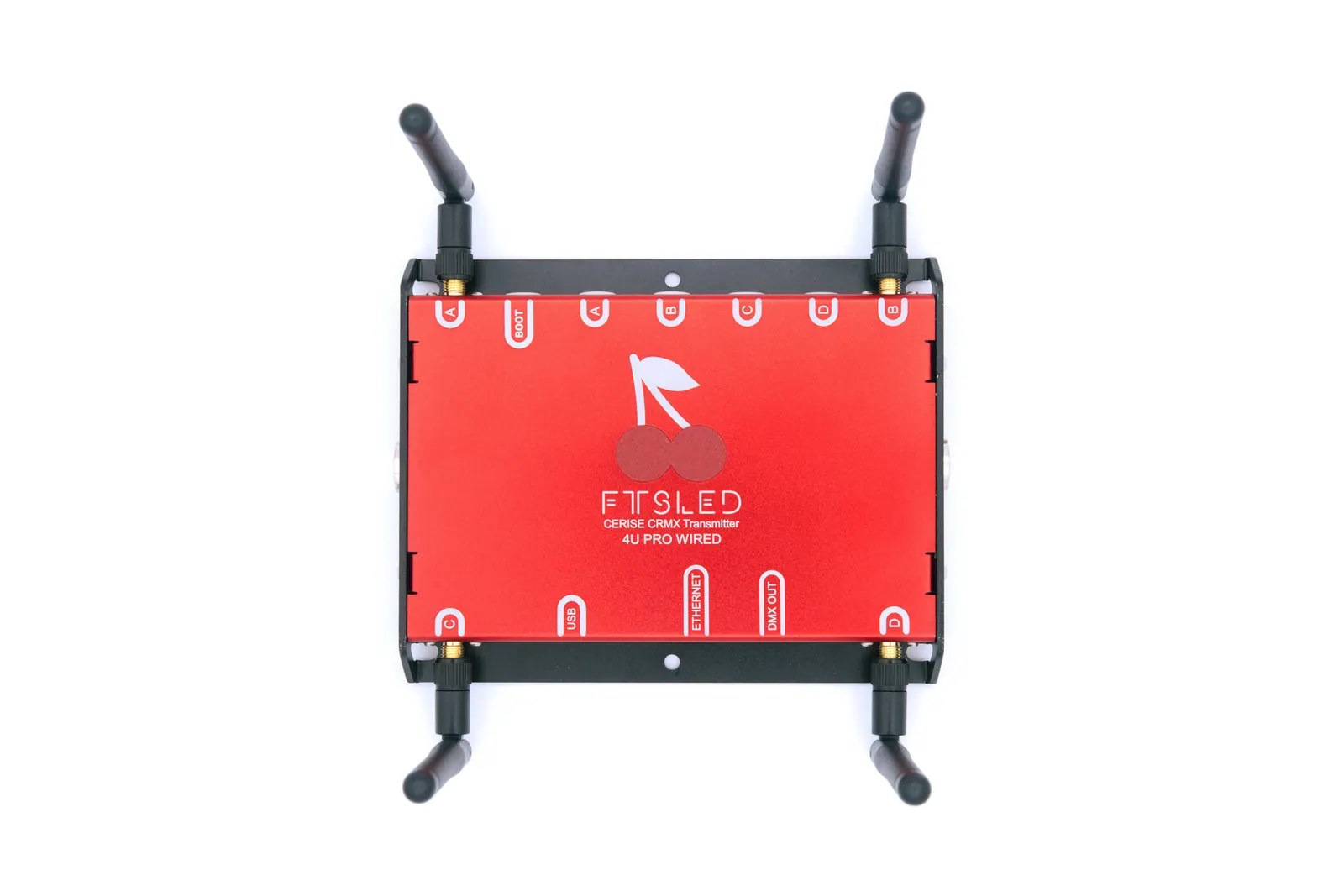
External antennas offer enhanced signal range and flexibility over internal counterparts.

As Cerise uses a single cable for both its data and power, setting it up is as easy as plugging it in and opening your favorite app.

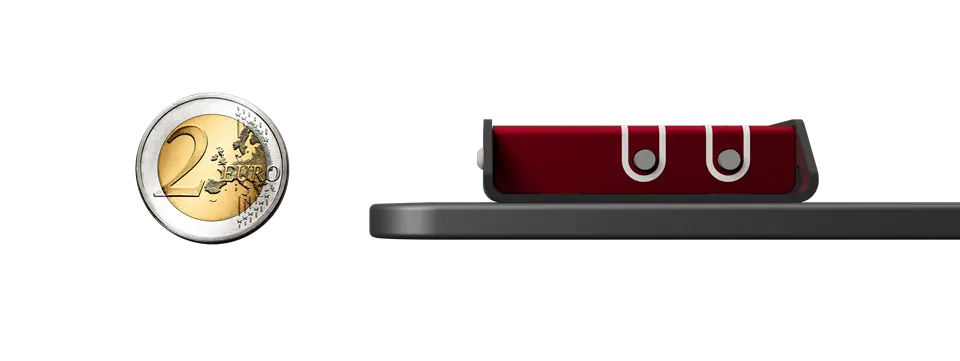
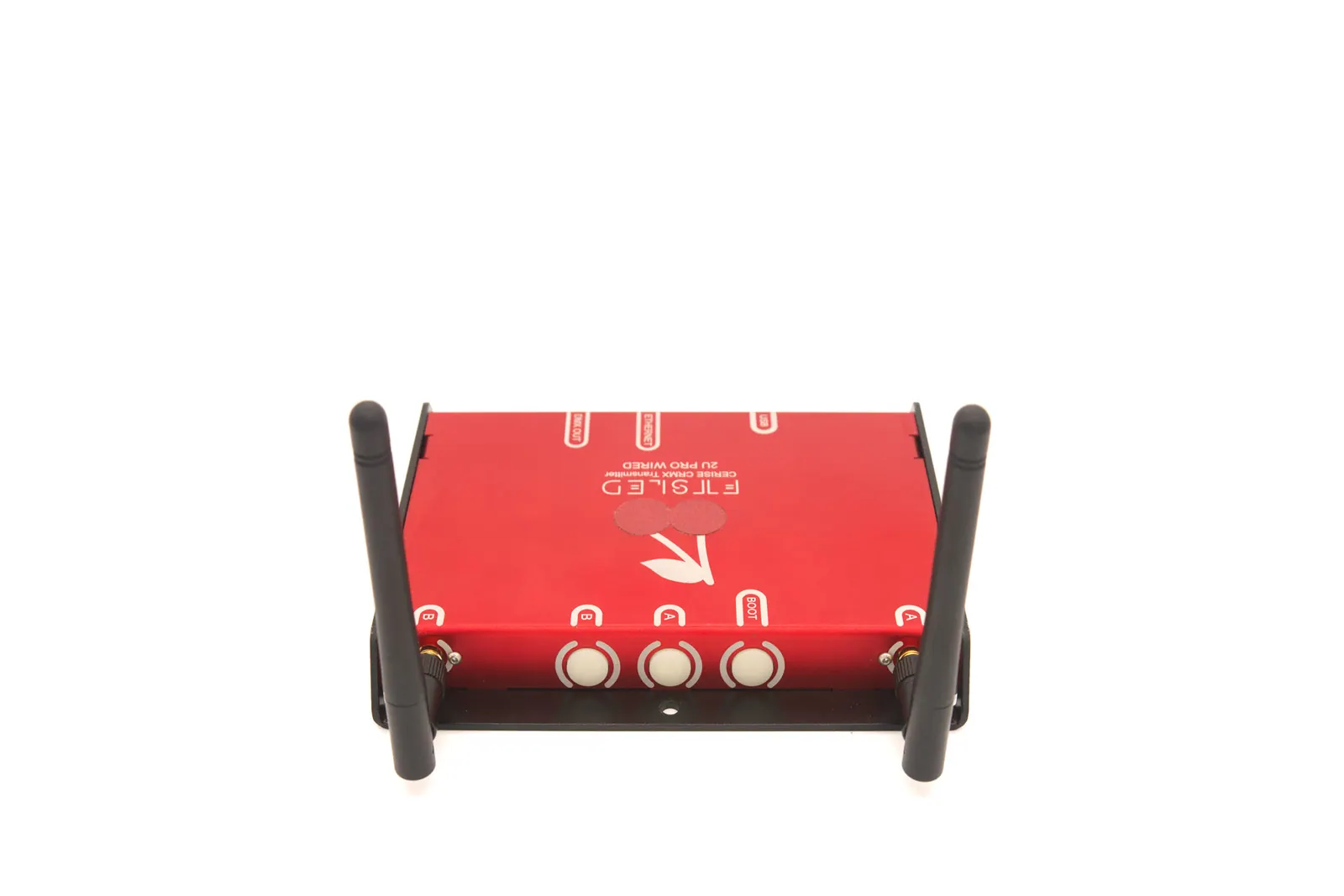
Robust all-metal design with 1/4" threaded mounting points for easy rigging.
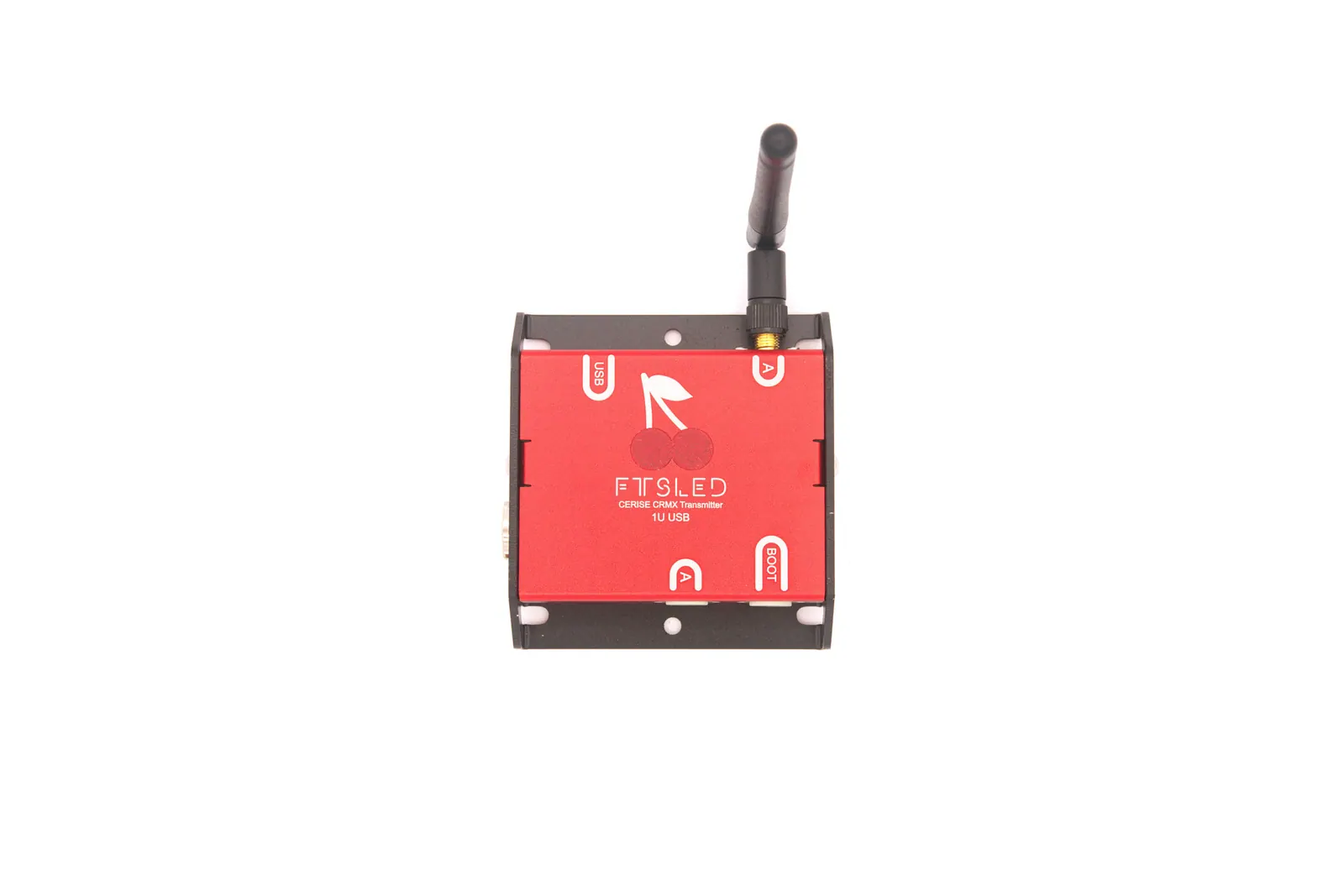
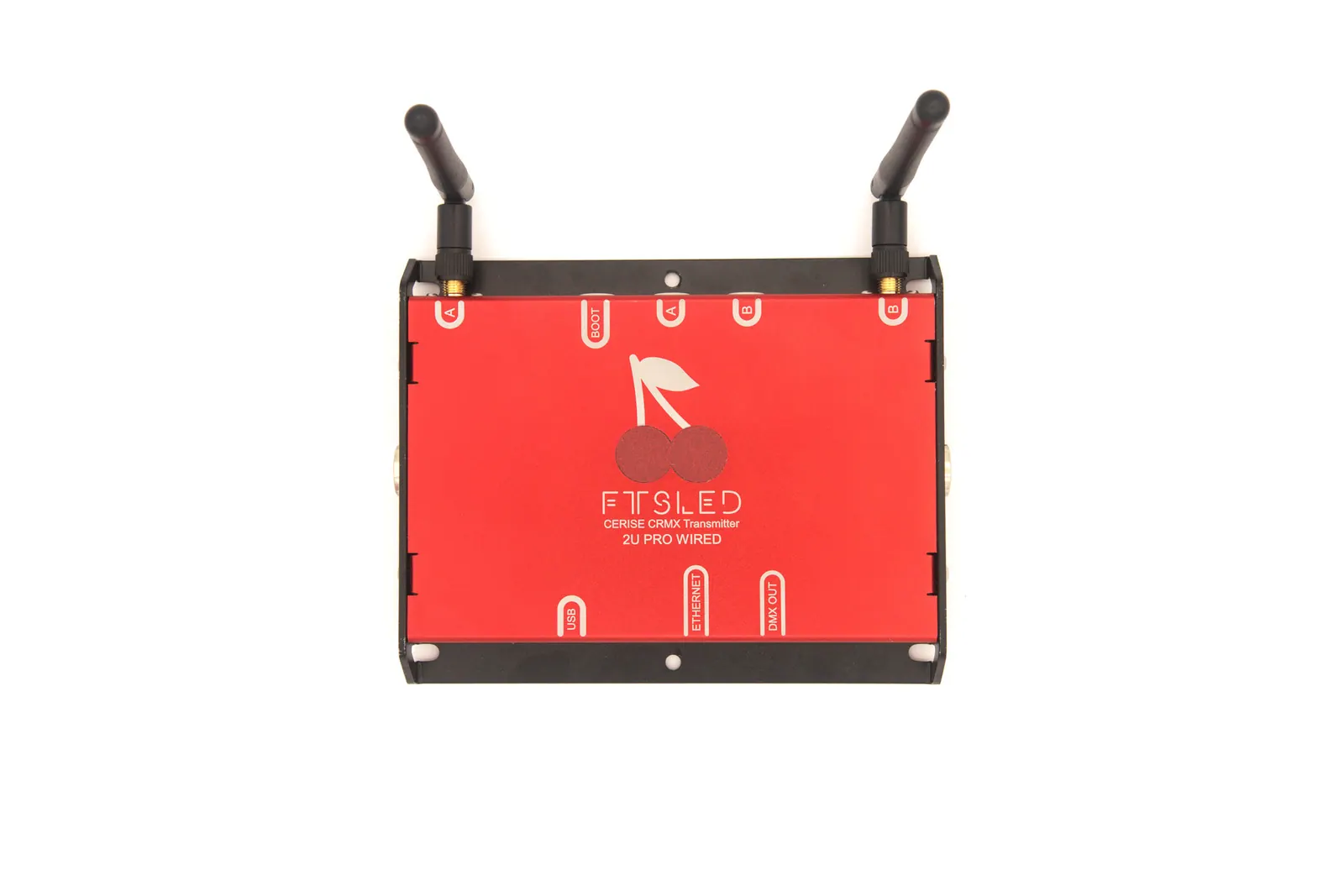
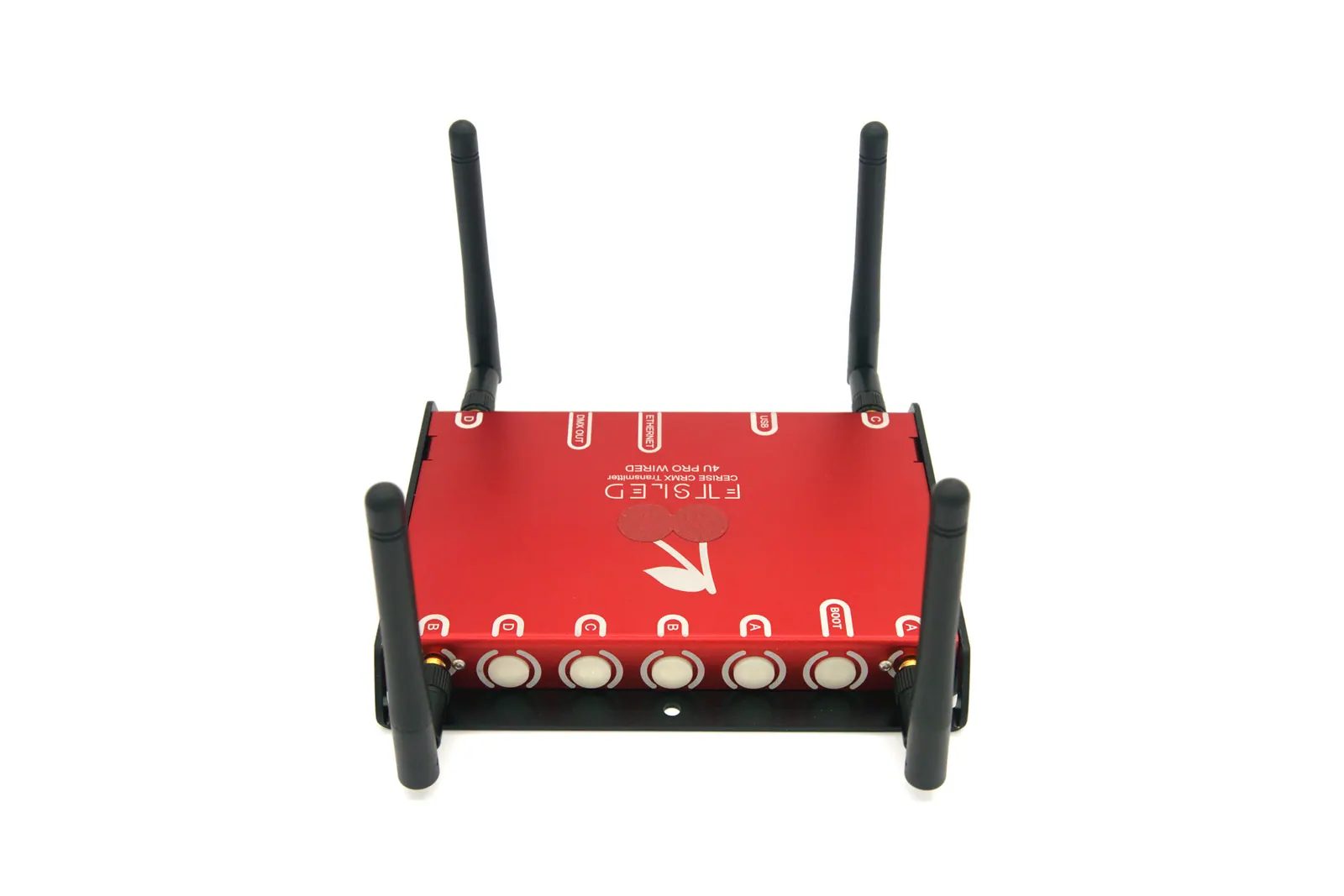
| Number of CRMX universes | 1U | 2U | 4U |
|---|---|---|---|
| Model name | 1U USB | 2U Pro Wired | 4U Pro Wired |
| USB | ✓ | ✓ | ✓ |
| RF analyzer | ✓ | ✓ | ✓ |
| Ethernet + PoE | X | ✓ | ✓ |
| Independent Wired universes via second RJ45 output | X | 4 | 4 |
| Total amount of DMX universes | 1 | 6 | 8 |
| Size (without antennas) | 82x77x20mm | 147x116x20mm | 147x116x20mm |
| Weight | 125g | 280g | 300g |
Cerise reviews
Plug-and-play compatible, requires no special configuration, and is fully integrated into the Blackout interface? It’s the Cerise transmitter! Full Cerise walk-through with Jeff.
Jeff is a seasoned lighting board operator and the creator of the Blackout Light Console iPad app.
In this episode Gaffer & Gear looks at the “FTSLED Cerise 4U Pro Wired”
This is a 4 universe CRMX transmitter that can fit on the back of an iPad and can also output an additional 4 universes via 5 pin XLR
Meet The Gaffer #343. First look at the newest transmitter around: Cerise. From French company FTS LED.
De Con breaks down how he uses Cerise and why it is like nothing you have seen before.
Yes. Cerise is powered by the iPad over USB-C. How much it draws depends on the model and on how many universes you use.
Every Cerise comes with an Anker 332 USB-C adapter, so you can charge the iPad while you use it. The Pro models can also be powered over Ethernet with PoE (802.3af) instead.
Cerise can work with a Lightning iPad using a separate Lightning-to-USB adapter, such as Apple's Lightning to USB 3 Camera Adapter. The adapter requires external power to work. This setup can be unreliable, especially on older iPads, and is not recommended for production use; prefer a USB-C iPad where possible.
Cerise works with any app or console that sends Art-Net or sACN. We've tested and validated:
It doesn't work on Samsung smartphones.
If connectivity is unreliable on iPads running iOS / iPadOS 26 or later, update Cerise to firmware 1.8.11. A typical symptom is Cerise appearing in Settings > Ethernet while the IP address and subnet mask fields are empty; Cerise does not respond and its WebUI cannot be reached. Use the computer-based USB update procedure linked above, then reconnect Cerise.
Firmware 1.8.11 improves reliability and sets the default USB IP address to 172.30.0.1 on all Cerise units. We recommend that all users update to 1.8.11 and use this default. The old workaround of changing the first two parts of the IP address is no longer needed.
If Cerise still doesn't answer at 172.30.0.1 after the update, factory reset it to restore the default USB address.
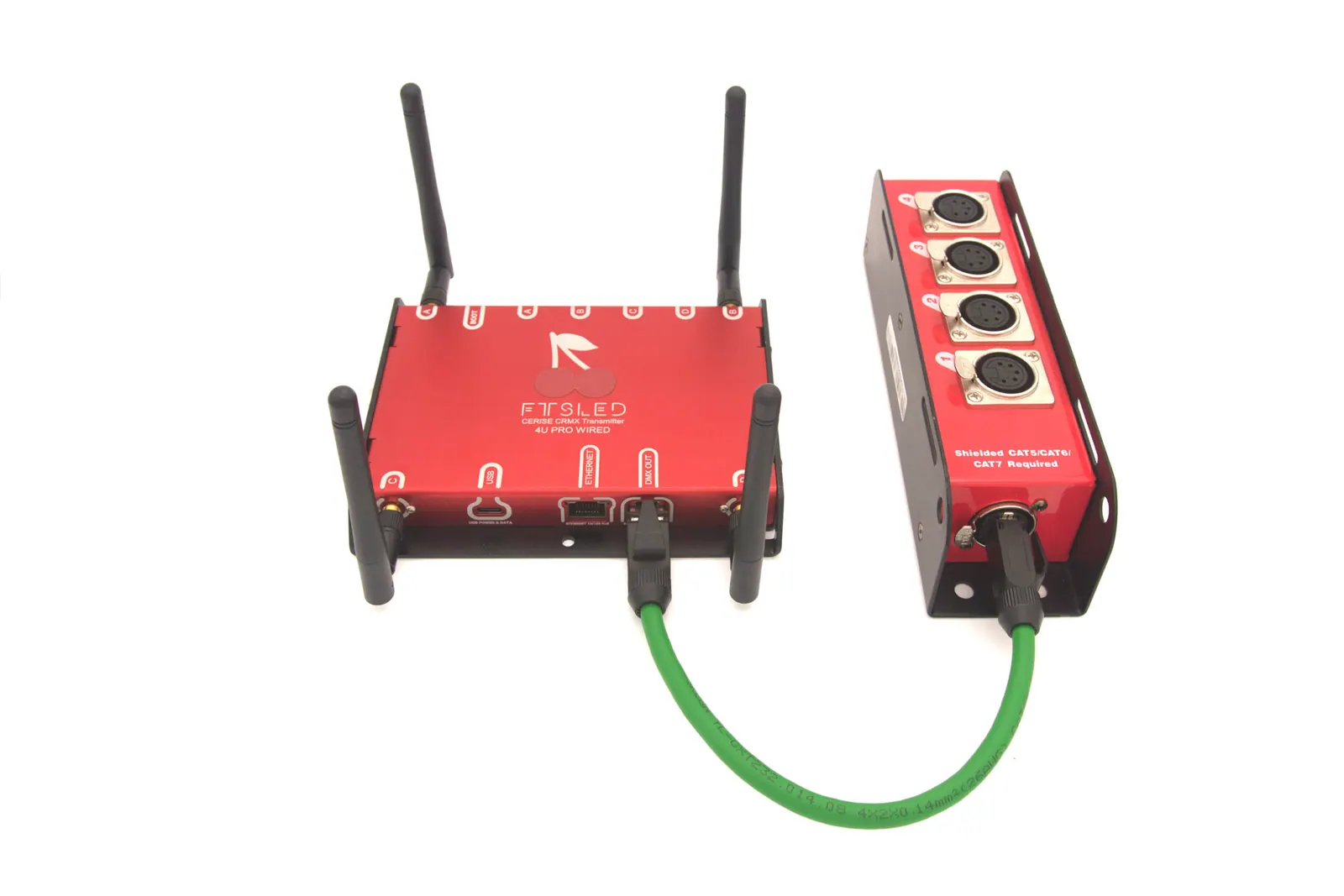
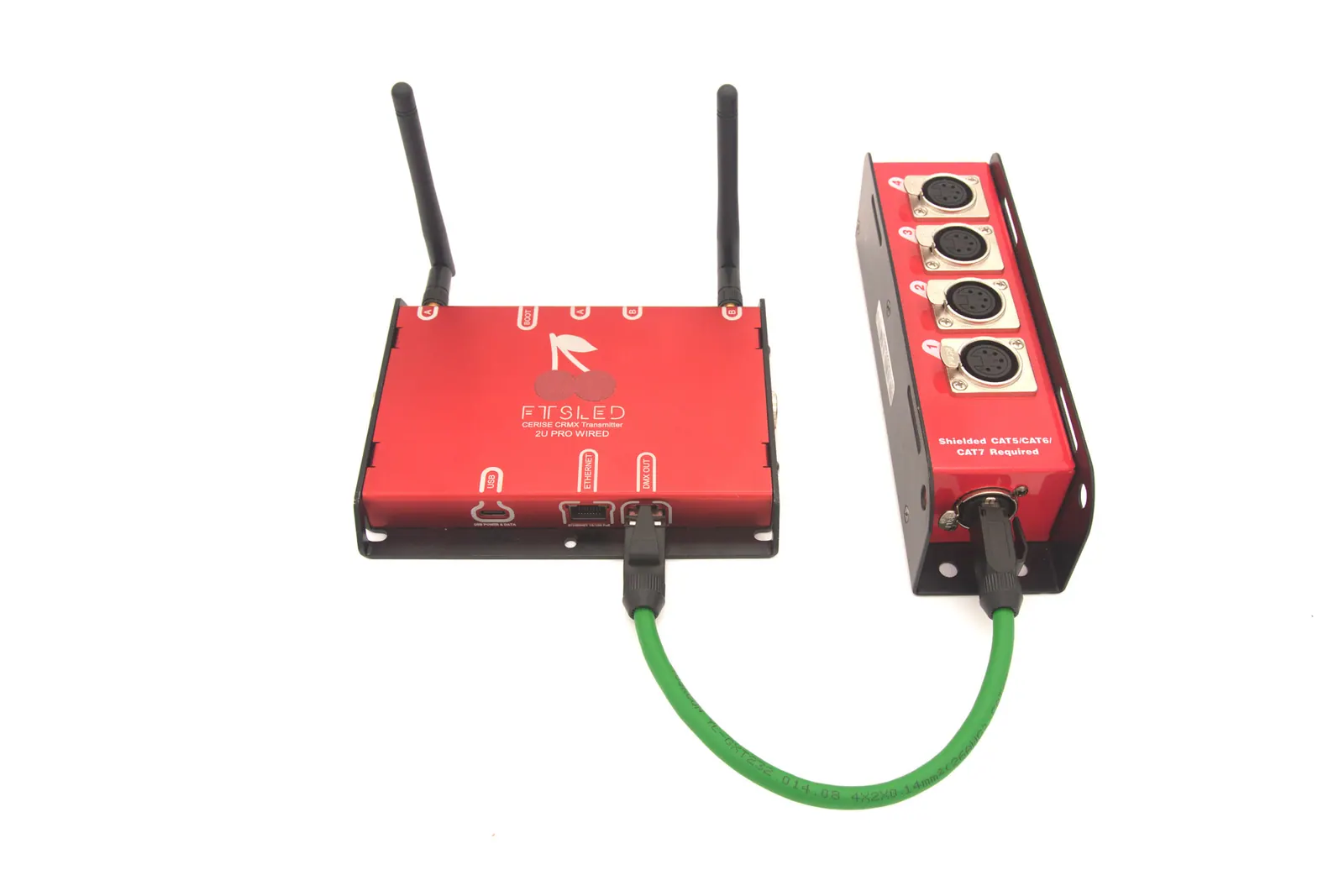
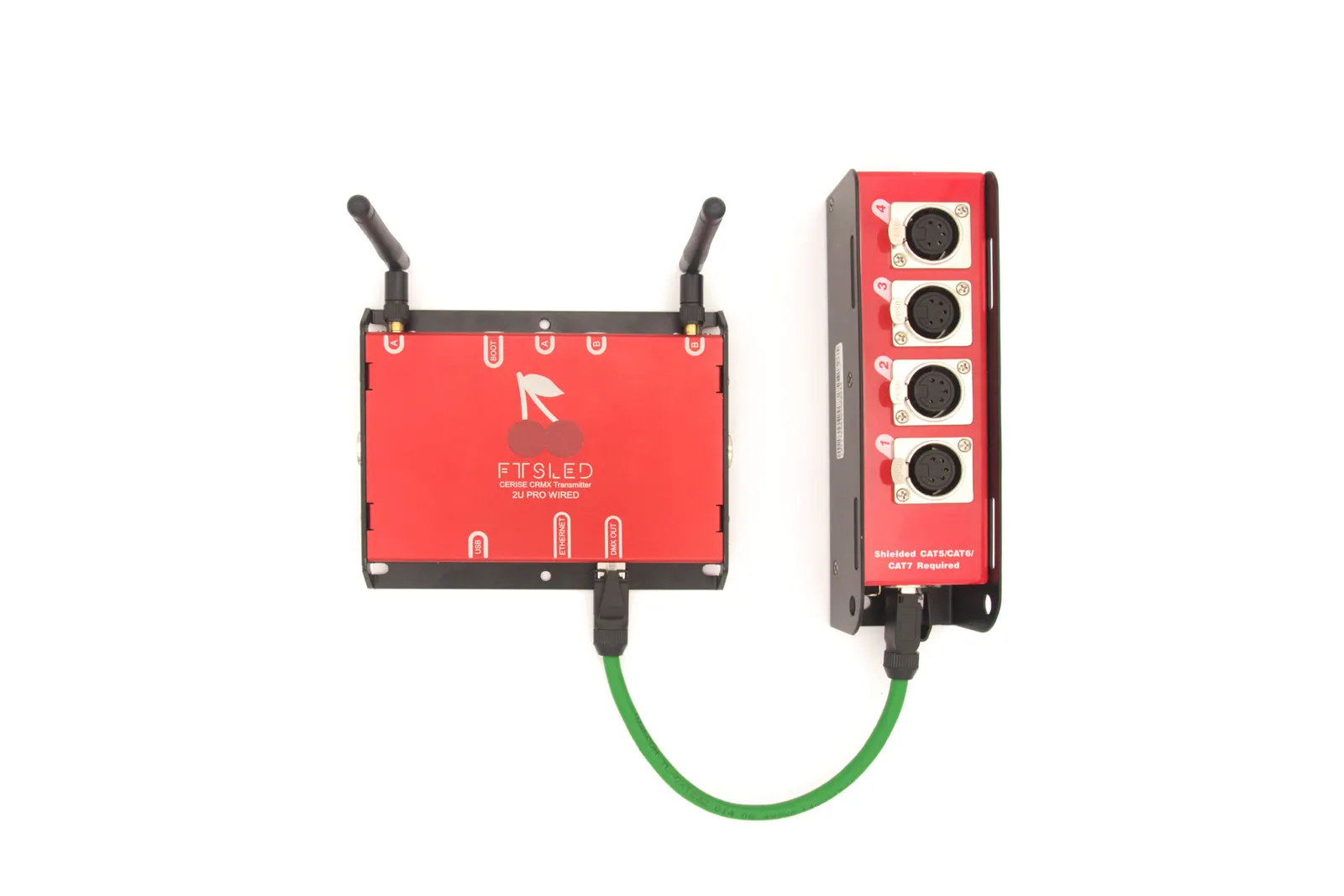
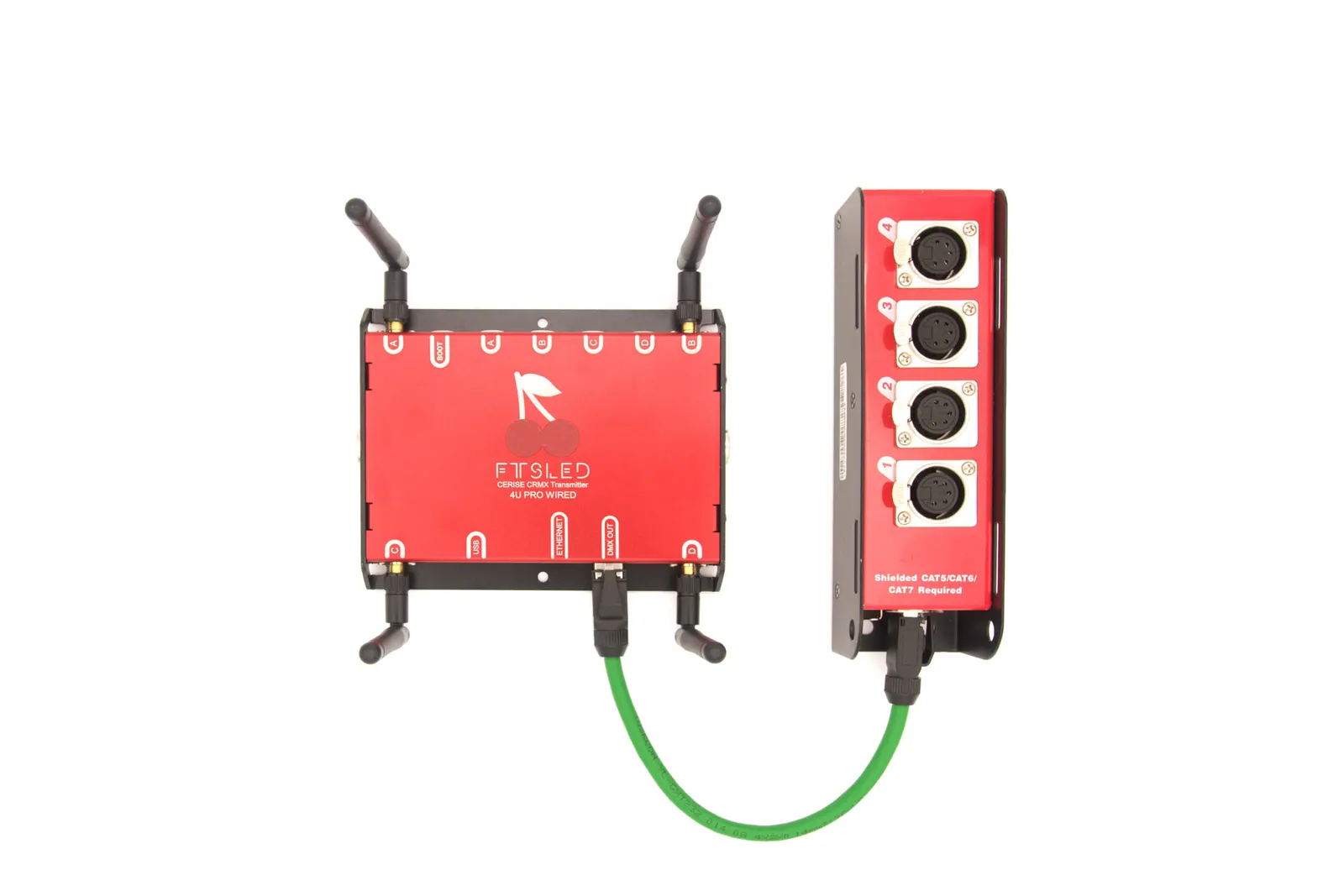
Both the 2U PRO Wired and 4U PRO Wired provide four wired DMX universes through the dedicated DMX Out RJ45 port and a compatible breakout adapter. This is a DMX connection, not an Ethernet port.
We prioritized creating a compact design for the product. Incorporating 4 full-size XLR 5 pin sockets would have doubled its thickness. Instead, we've opted for an ESTA compatible adapter. This allows for either 1 or 4 universes wired DMX output using readily available off-the-shelf adapters. This approach ensures the product remains sleek without compromising on its functionality.
Yes. Cerise supports CRMX Linking Keys, one per universe, set from the WebUI. RDM works from the WebUI's Rig tab, and the next firmware update improves it further.
Cerise sends CRMX Classic, one universe per radio, and links to any CRMX receiver. Only the LumenRadio Stardust sends several CRMX² universes, on outputs A to H. Single-universe transmitters such as the Aurora, Luna or Moonlite use CRMX² on output A only. More on this: Master Your CRMX Linking Key: The Complete Guide.
Yes, we do use the charging connector of your iPad, but we provide a small, easy-to-use USB-C dongle that lets you use Cerise and charge your iPad at the same time.
Also note that the iPad can be picky about what adapter works and doesn't with it. We recommend staying away from passive adapters (these are easy to recognise as they tend to be small and are mostly used to plug in both headphones and a charger) as well as active adapters featuring an Ethernet port (these will cause conflicts as both Cerise and the adapter will show up as Ethernet adapters on the iPad, and there is no way to select a preferred one on iOS).
If you use a Lightning iPad with the camera adapter, please note that you will need to have external power feeding into the adapter for it to work.
We recommend this adapter for lightning : https://www.apple.com/fr/shop/product/MK0W2ZM/A/adaptateur-pour-appareil-photo-lightning-vers-usb-3
This adapter here will not work as the iPad isn't able to provide enough power : https://www.apple.com/fr/shop/product/MD821ZM/A/adaptateur-pour-appareil-photo-lightning-vers-usb
Here are some adapters we do not recommend :
https://www.amazon.fr/TRANLIKS-Adaptateur-USB-Samsung-Splitter/dp/B0BTBQHZRV/?th=1
https://www.amazon.fr/Belkin-Adaptateur-Recharge-%C3%A9couteurs-charge/dp/B086R4KX23
No, this will not work for 2 reasons : both Cerise and the USB to ethernet adapter are USB devices and require a USB host to function (in normal operation, the iPad or computer acts as a USB host). Also you wouldn't be able to power Cerise as its USB port is the only power in port.
To put a 1U on a network, plug it into the USB port of a travel router instead: see Cerise CRMX over Wi-Fi: Art-Net & sACN router setup.