Explainers /
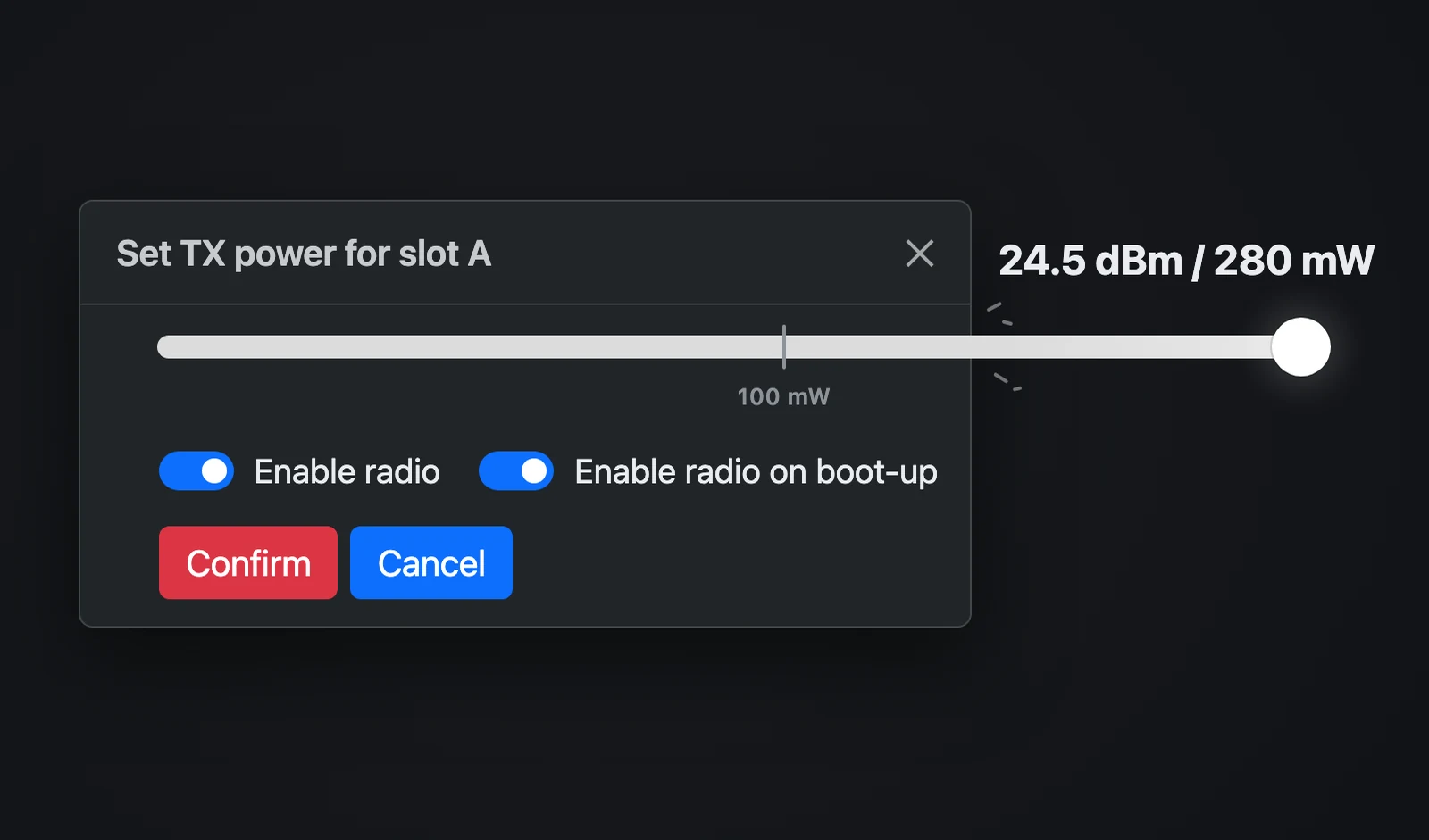
Does 280 mW really give CRMX more range?
What 280 mW really means for CRMX range: dBm, dBi and EIRP explained, how the Stardust gets there, what Cerise transmits, and where more than 100 mW is legal.
With your permission, Google Analytics helps us understand visits and improve this site. Essential preference cookies stay on. No advertising cookies.
Cookie details
FTSLED / CERISE
Welcome to our repertoire of side quests, tutorials and technical information.
Explainers /
What 280 mW really means for CRMX range: dBm, dBi and EIRP explained, how the Stardust gets there, what Cerise transmits, and where more than 100 mW is legal.
Guides /
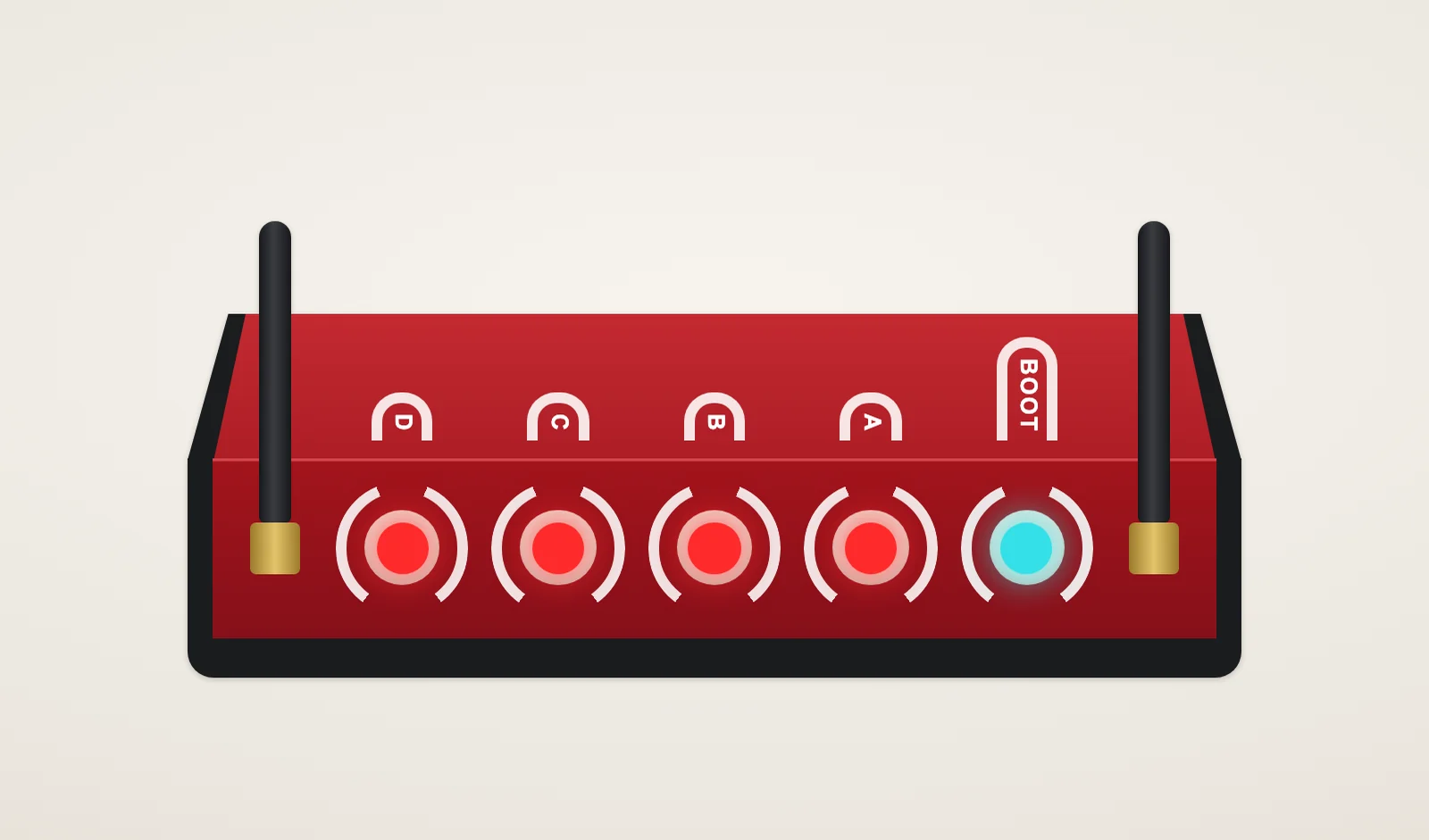
Cerise not showing up in Blackout, fixtures that won't link, random flashes or a USB link that drops? Read the LEDs, then work through linking, network, power and iPad settings.
Guides /
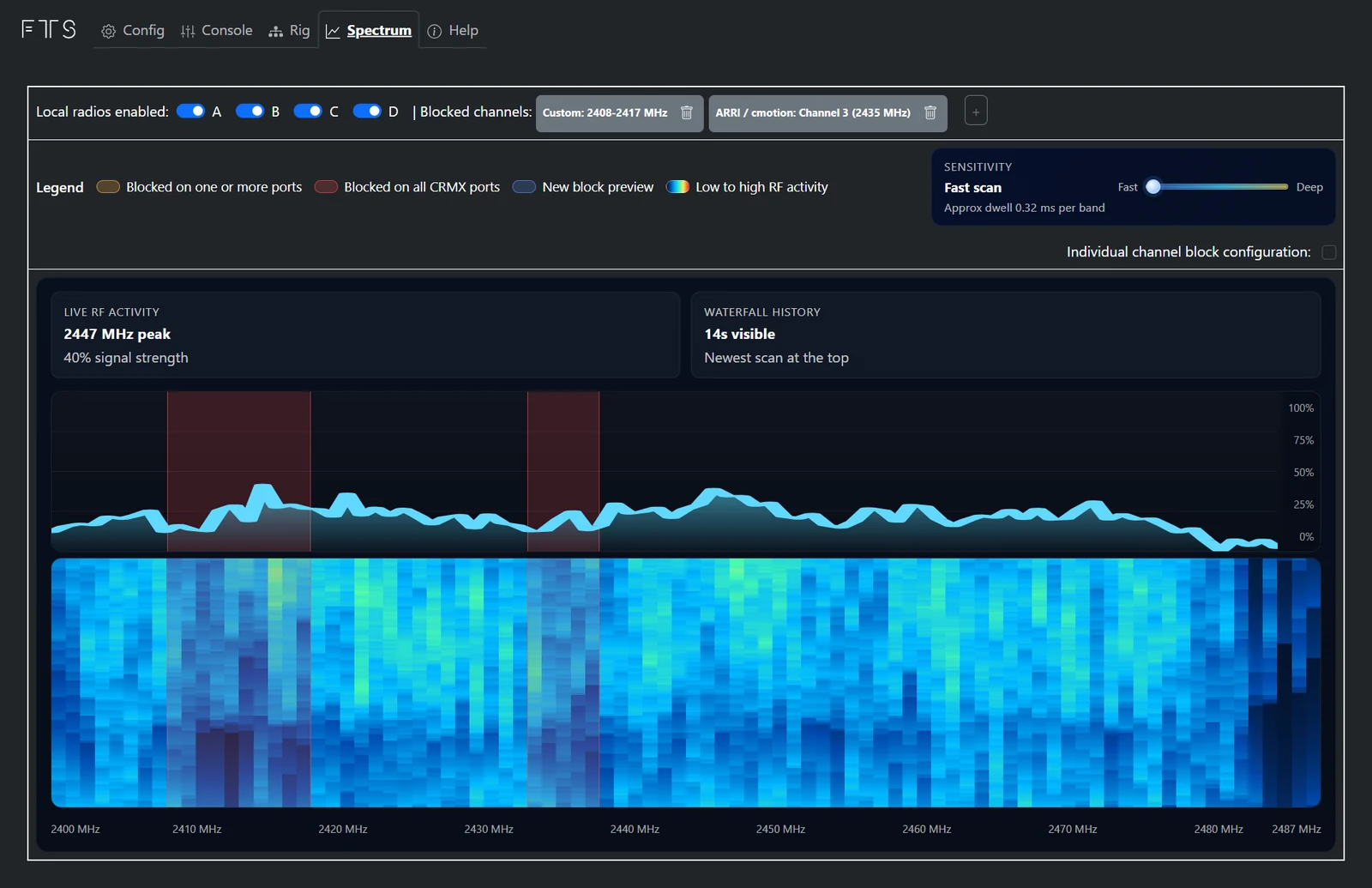
Cerise's Spectrum tab shows live 2.4 GHz activity and blocks the channels used by Wi-Fi, ARRI LCS, Preston or ZaxNet. A step-by-step guide.
Guides /
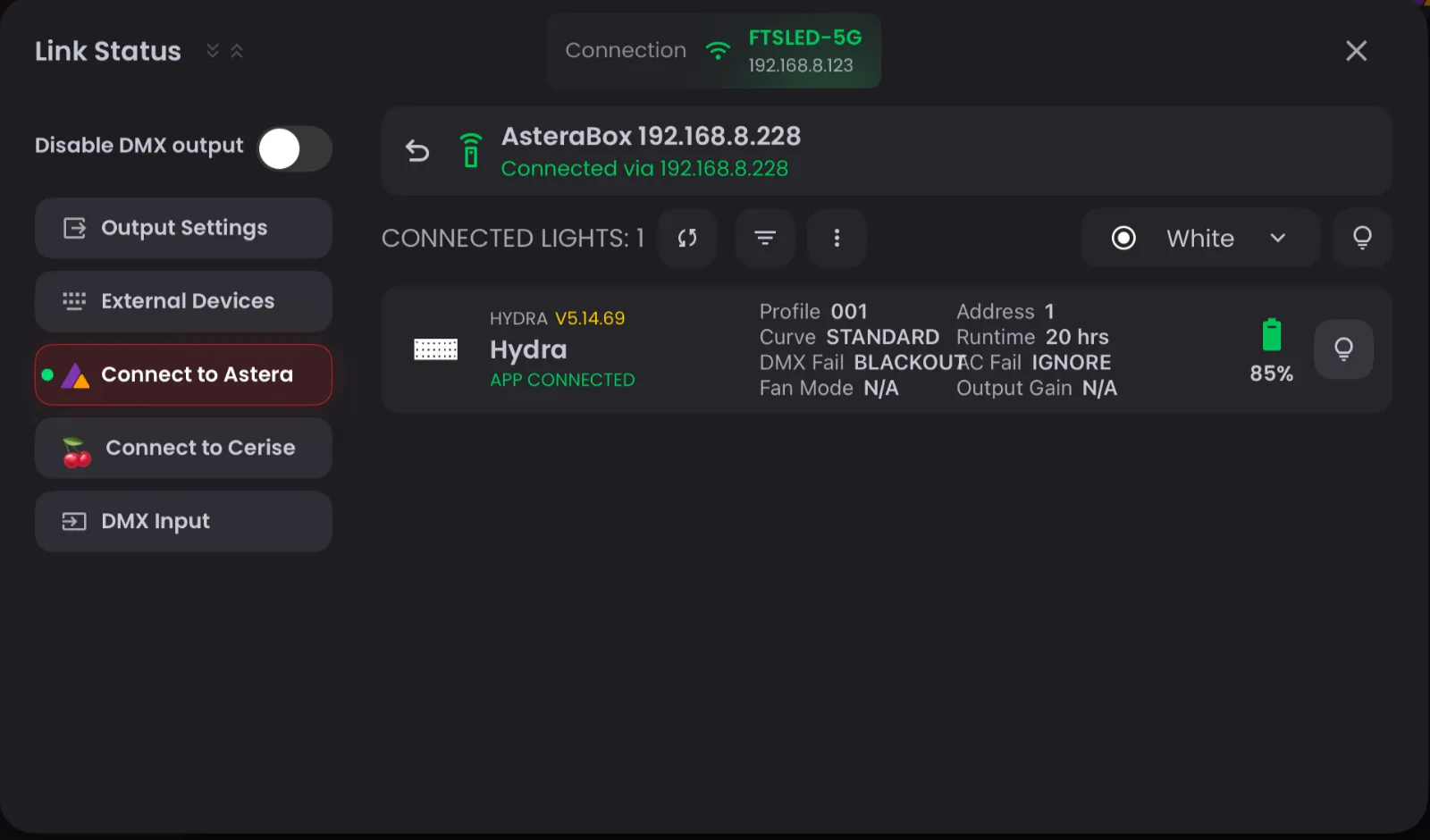
Connect an Astera ART7 to Blackout on iPad for battery levels and fixture settings, while Cerise sends your DMX over CRMX. Both Wi-Fi modes, step by step.
Explainers /
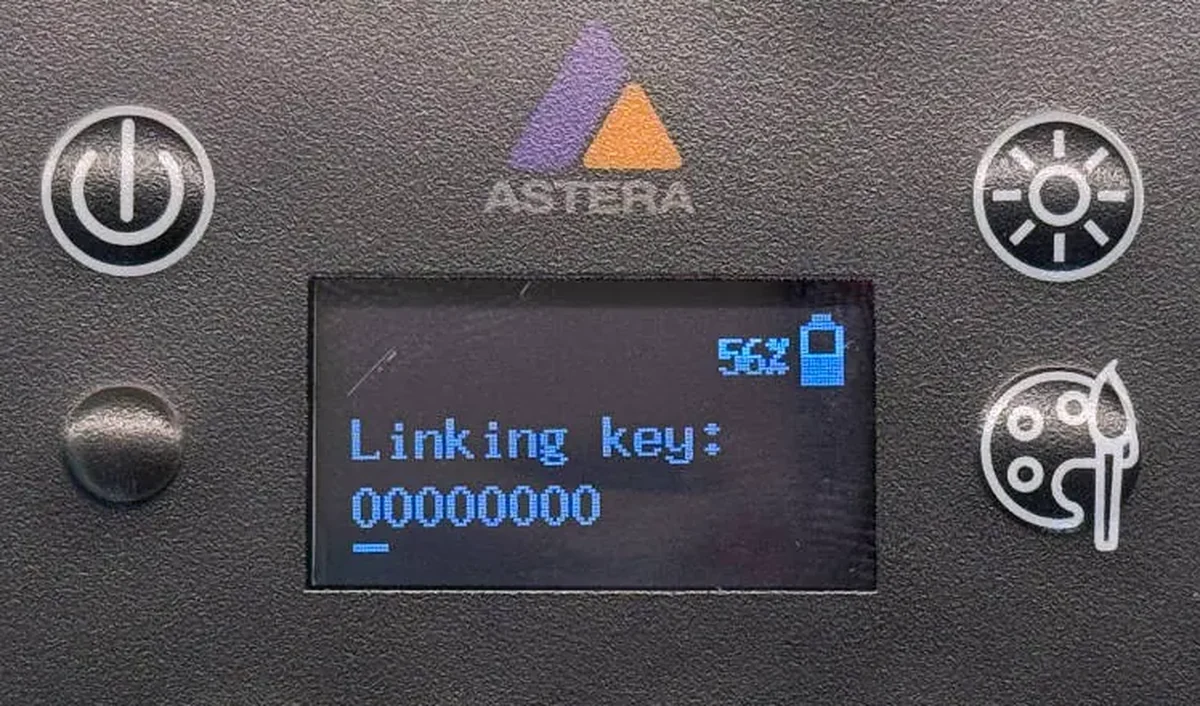
Master CRMX linking keys for faster DMX setup. Learn the Stardust vs. Cerise differences, security tips, and cloning hacks in our complete guide.
Guides /
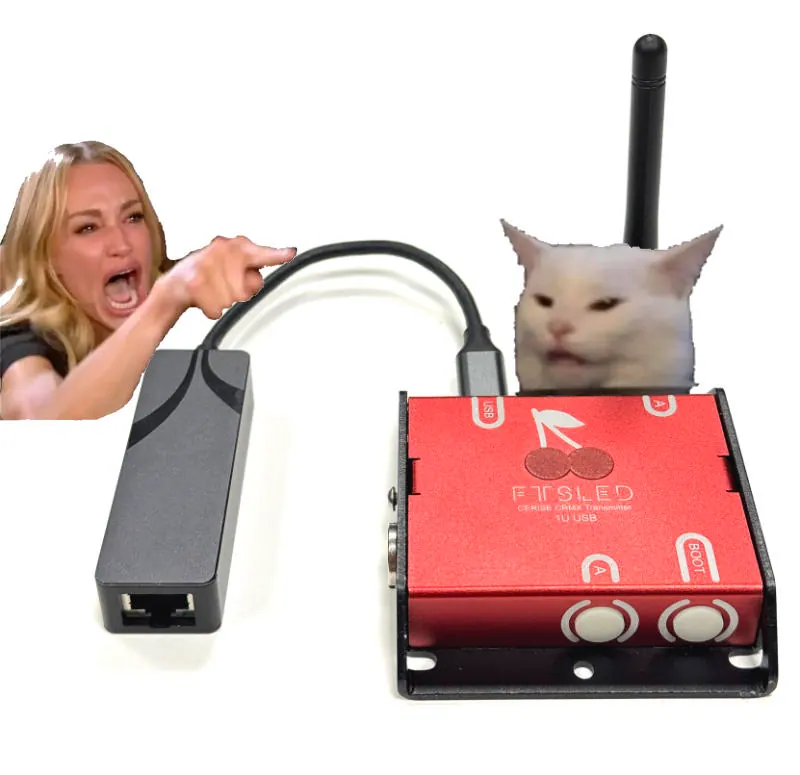
Control Cerise from a laptop or iPad over Wi-Fi: Ethernet (2U/4U) or USB through a router, Art-Net and sACN, the 1.8.11 USB address, and tips for a reliable Wi-Fi link.